

 Tweet
Tweet
Introduction
Project CarPC has been an on-going project to have a fully in-dash computer mounted in place of my head unit. With a CarPC, the possibilities are only as endless as your finances, creativity, and know-how. The most common features in a carPC is to hold one's mp3 collection, as well as GPS navigation. Future features, though, include full integration with cellphone, DVD capability, etc.
History
CarPC v1.0 - CarPC v1 is what started it all. I had found an awesome deal on a 10.4" touchscreen kiosk PC being sold on mp3car.com and bought it. I had the entire bezel molded and installed only to realize on "move in day" that the guts of the PC were way too big for the space behind the bezel.

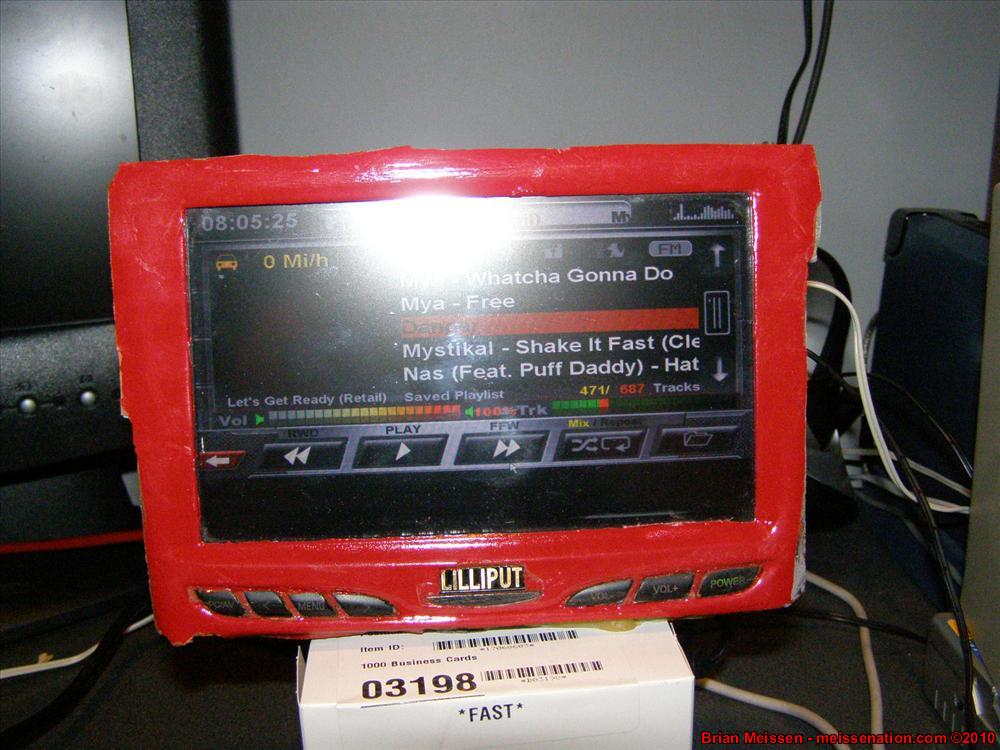
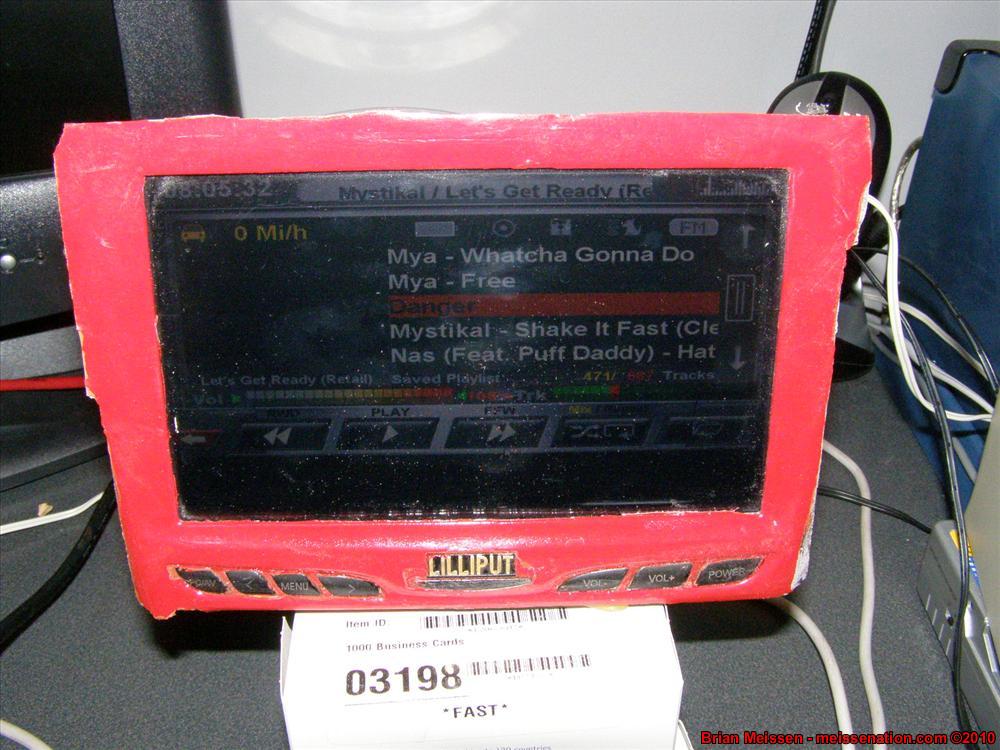
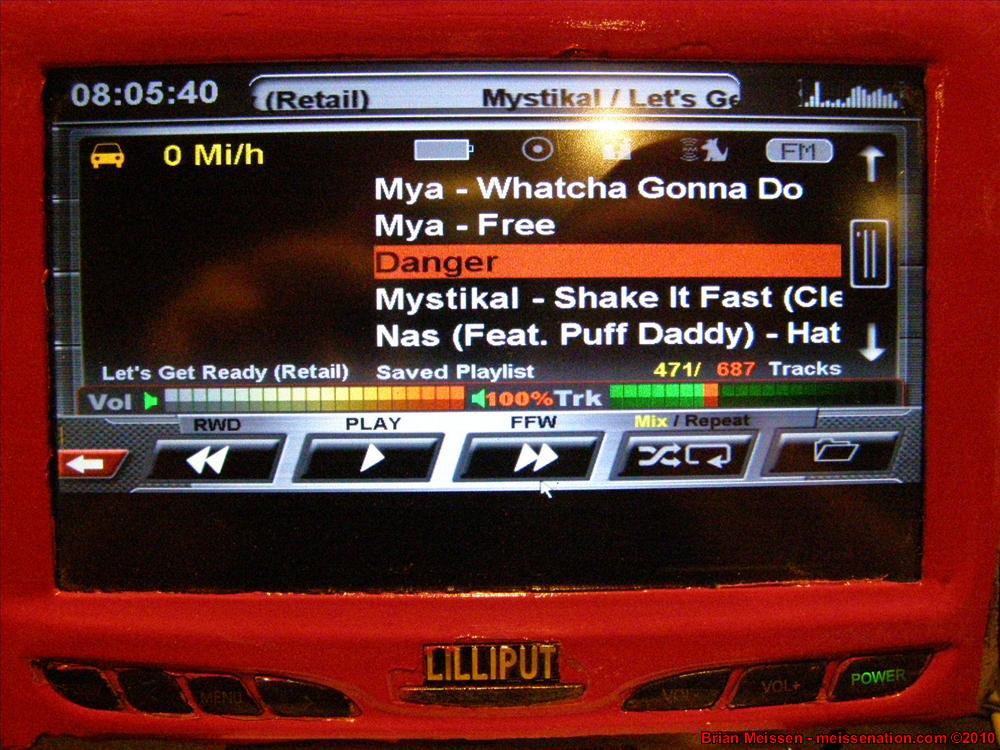
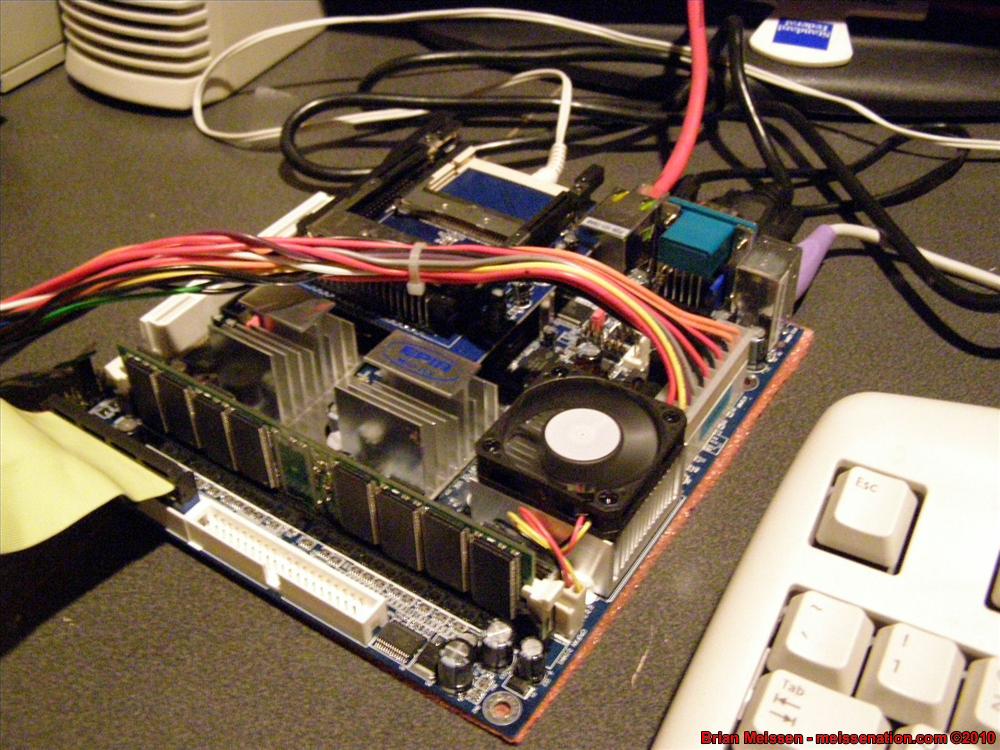
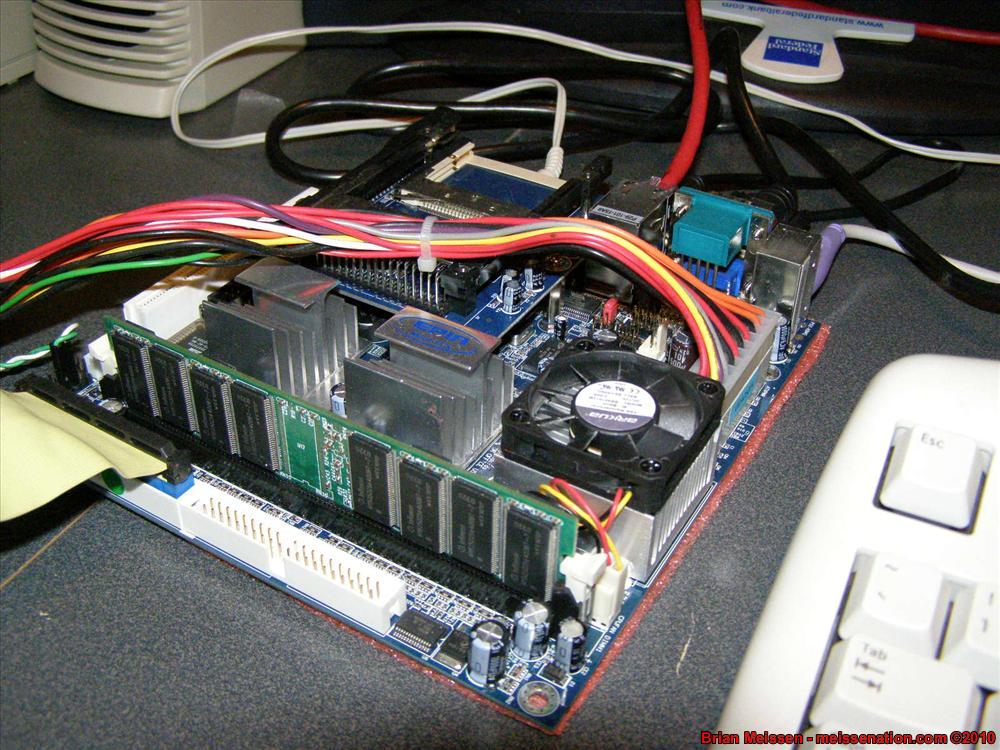
CarPC v2.0 - CarPC v2 is what most people are familiar with. I had to basically start from scratch -- a new 6" square Epia mini-ITX motherboard would ensure the guts could fit the space behind the dash, and a 7" touchscreen toned down the look after it was decided that the housing for a 10.4" touchscreen was just too big of a bezel.

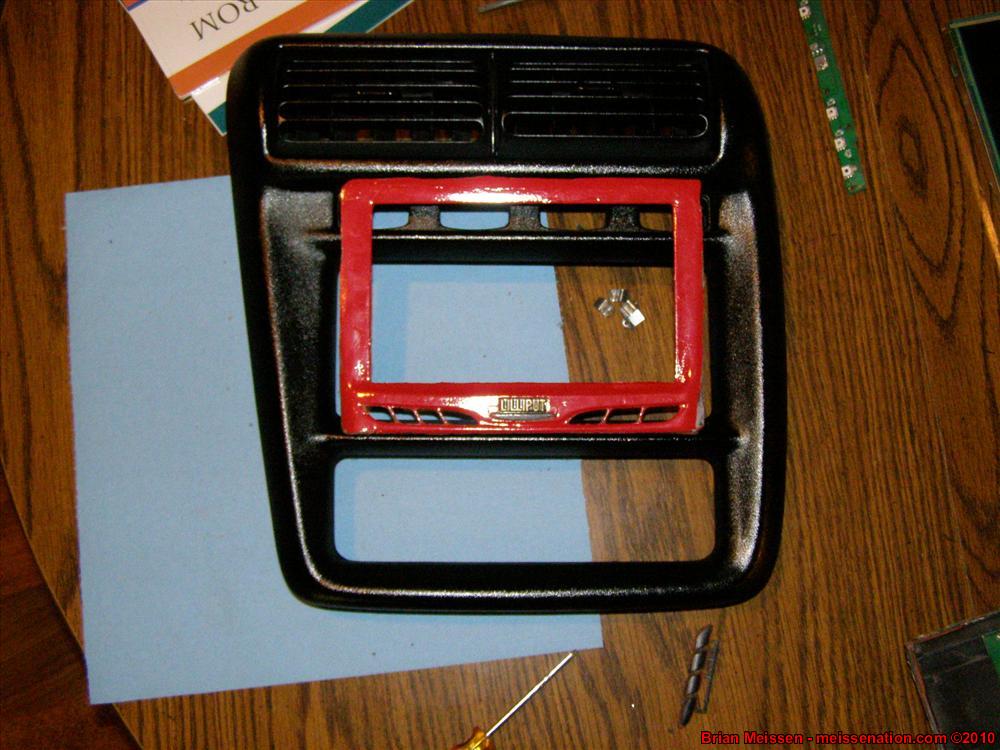
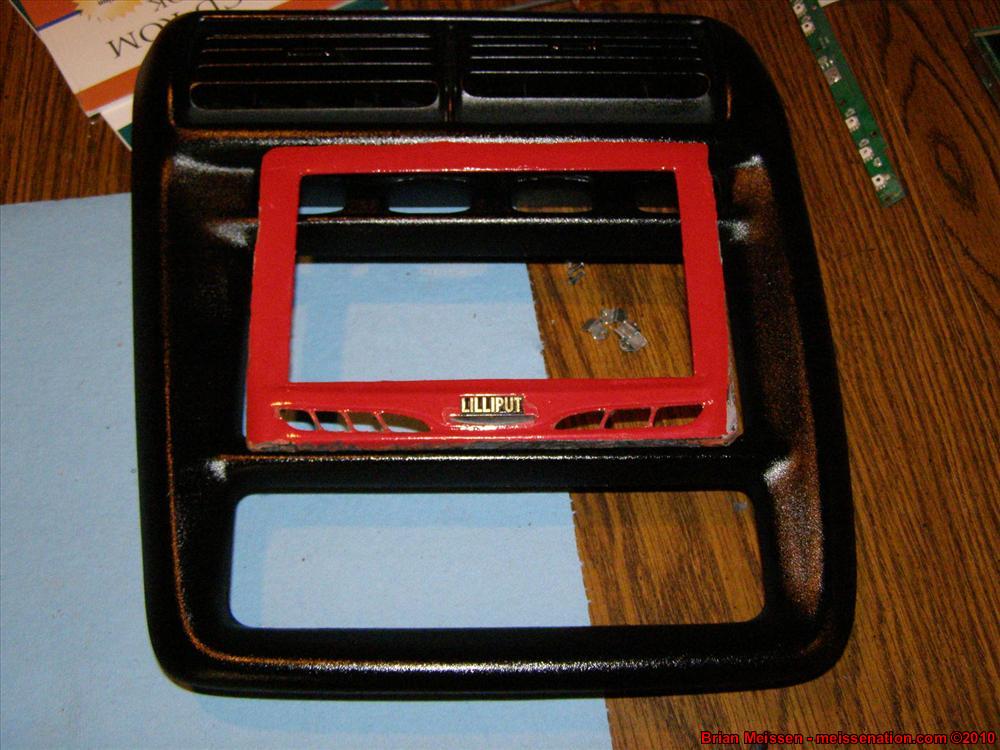
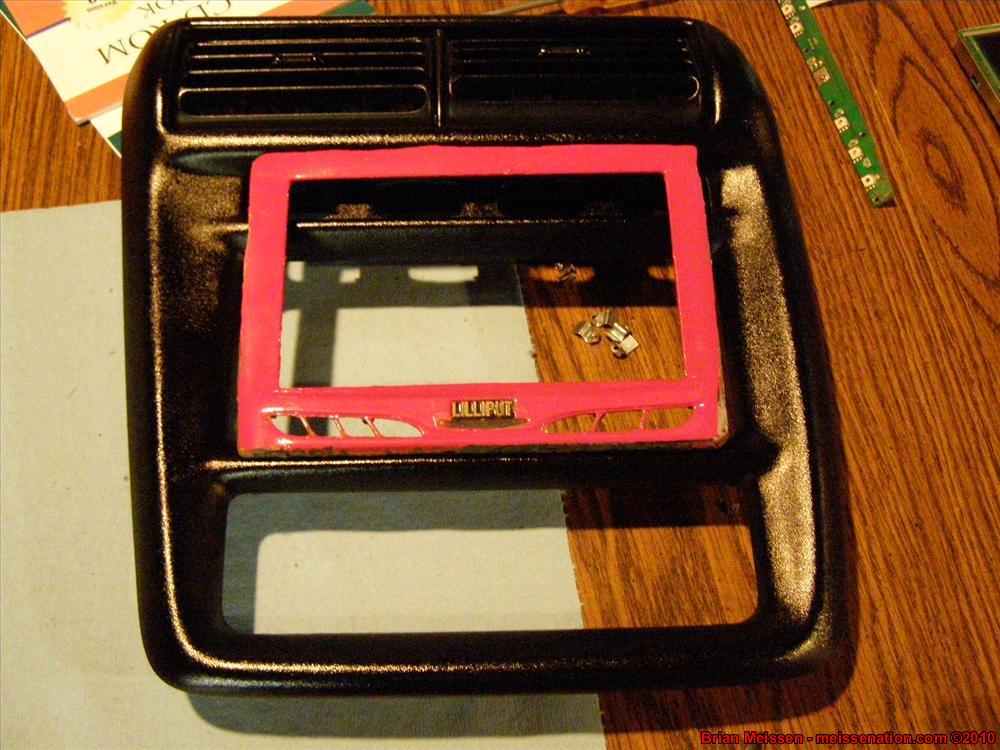
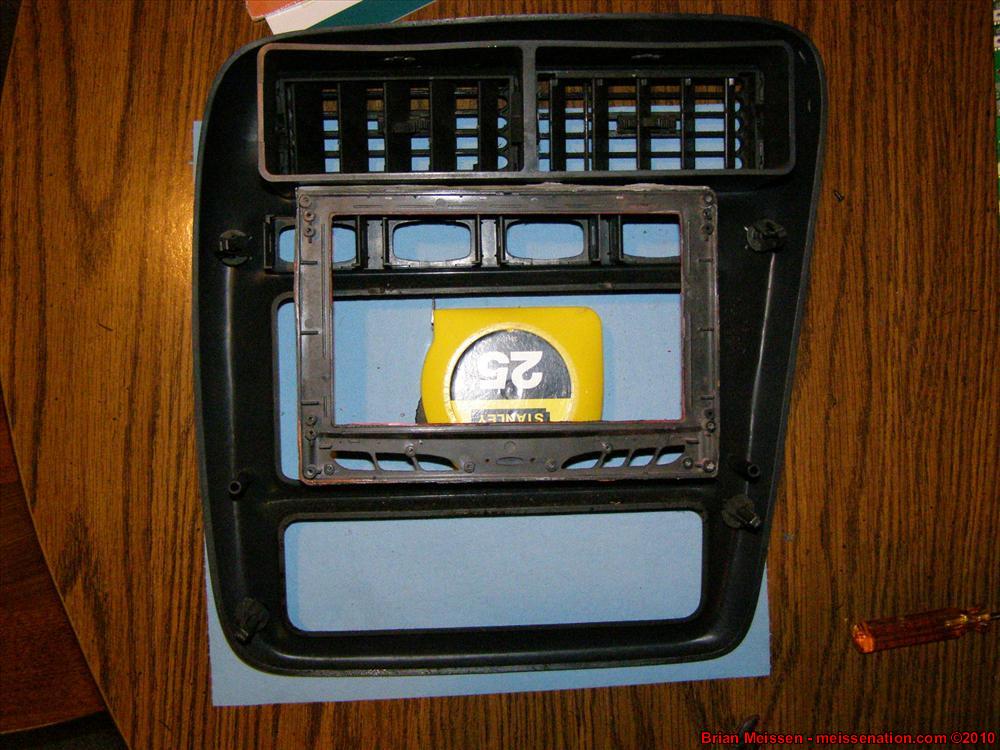
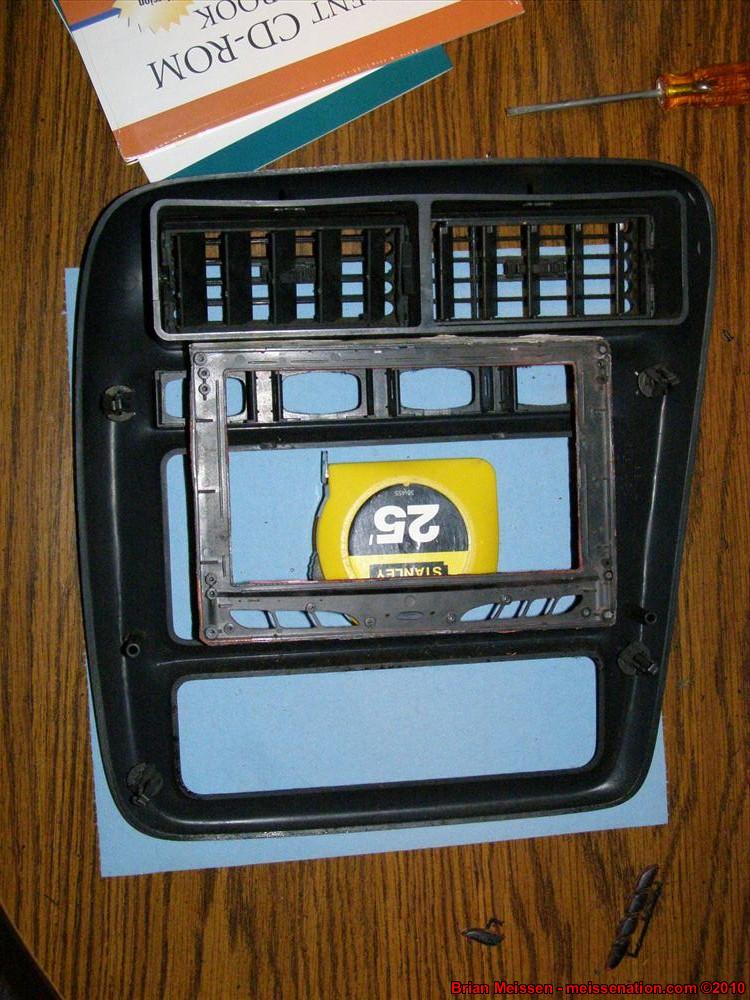
CarPC v3 - Unsatisfied with how CarPC v2's bezel made the interior look, and not satisfied with how hard it was to remove and reinstall the carPC, I decided it was time for drastic changes to the interior of the vehicle. I had always loved how easy it looked to install a carPC in the 97+ dash. I purchased an entire dash from a fellow member of MiFbody.com [badinfluence] and over the winter swapped the new dash in. Now that the dash is mostly in place, it's time to work on what started the entire swap -- carPC v3.
Project CarPC has been an on-going project to have a fully in-dash computer mounted in place of my head unit. With a CarPC, the possibilities are only as endless as your finances, creativity, and know-how. The most common features in a carPC is to hold one's mp3 collection, as well as GPS navigation. Future features, though, include full integration with cellphone, DVD capability, etc.
History
CarPC v1.0 - CarPC v1 is what started it all. I had found an awesome deal on a 10.4" touchscreen kiosk PC being sold on mp3car.com and bought it. I had the entire bezel molded and installed only to realize on "move in day" that the guts of the PC were way too big for the space behind the bezel.
CarPC v2.0 - CarPC v2 is what most people are familiar with. I had to basically start from scratch -- a new 6" square Epia mini-ITX motherboard would ensure the guts could fit the space behind the dash, and a 7" touchscreen toned down the look after it was decided that the housing for a 10.4" touchscreen was just too big of a bezel.
CarPC v3 - Unsatisfied with how CarPC v2's bezel made the interior look, and not satisfied with how hard it was to remove and reinstall the carPC, I decided it was time for drastic changes to the interior of the vehicle. I had always loved how easy it looked to install a carPC in the 97+ dash. I purchased an entire dash from a fellow member of MiFbody.com [badinfluence] and over the winter swapped the new dash in. Now that the dash is mostly in place, it's time to work on what started the entire swap -- carPC v3.

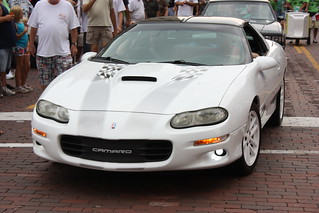
 357ci LT1, cammed, stalled, and driven.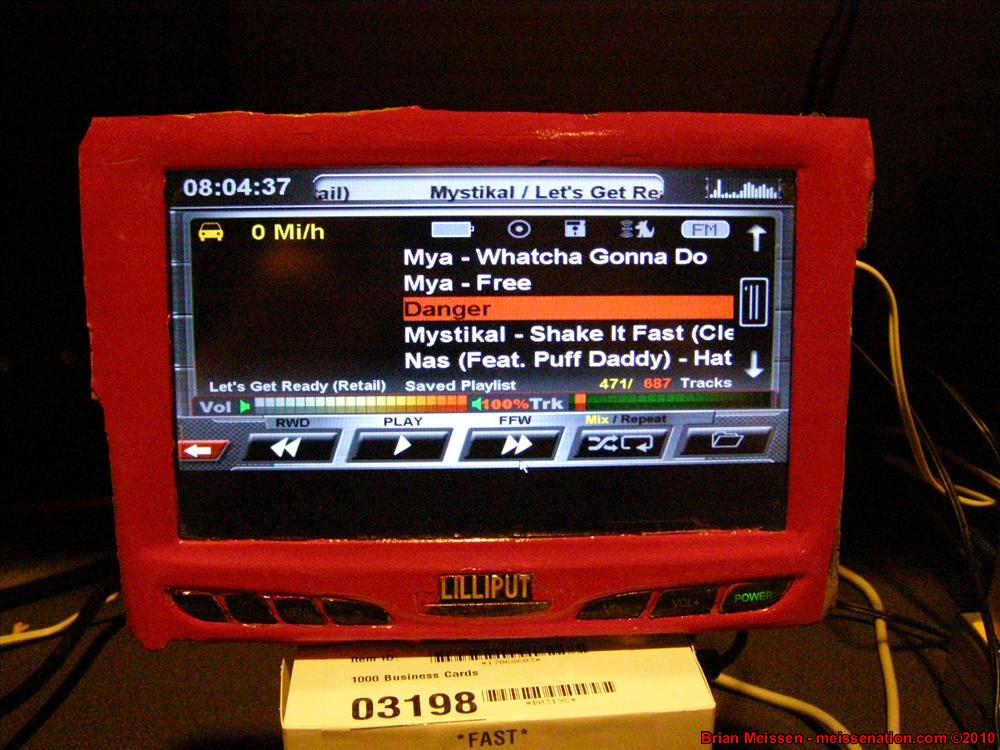




 I guess. Main thing is to keep perspective about what you really need, especially for financial reasons. It's just like when I started at my office, I was completely flabbergasted that they were using 300mhz machines with Windows XP SP2 and 256mb of ram. Then I realized, when you're sitting in a telnet session the entire day, you don't need much. Same concept here, you're not going to need much when you're doing the basics.




Comment